Pet memorial garden · Planetling
A place to visit on the days you miss them
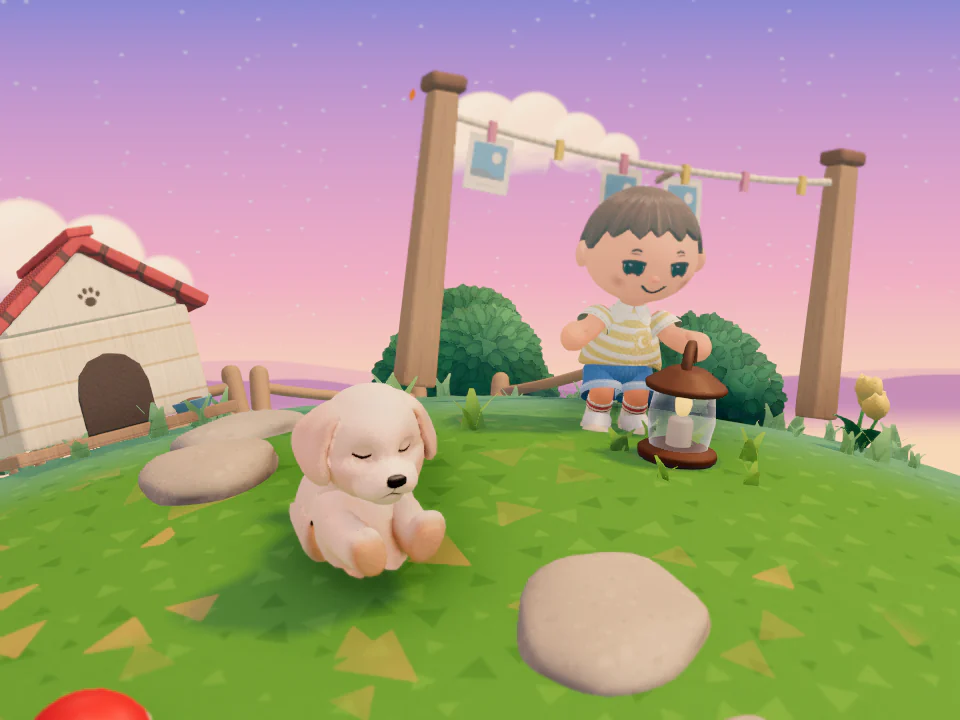
Open a Star Garden, a garden on a little star, in the name of the pet you said goodbye to. They nap in the grass while you stop by to say hello and plant flowers.
Your garden and daily hello stay free. You can start right away, no sign-up needed. Gardens are open for anyone to visit, and you can make yours private anytime.
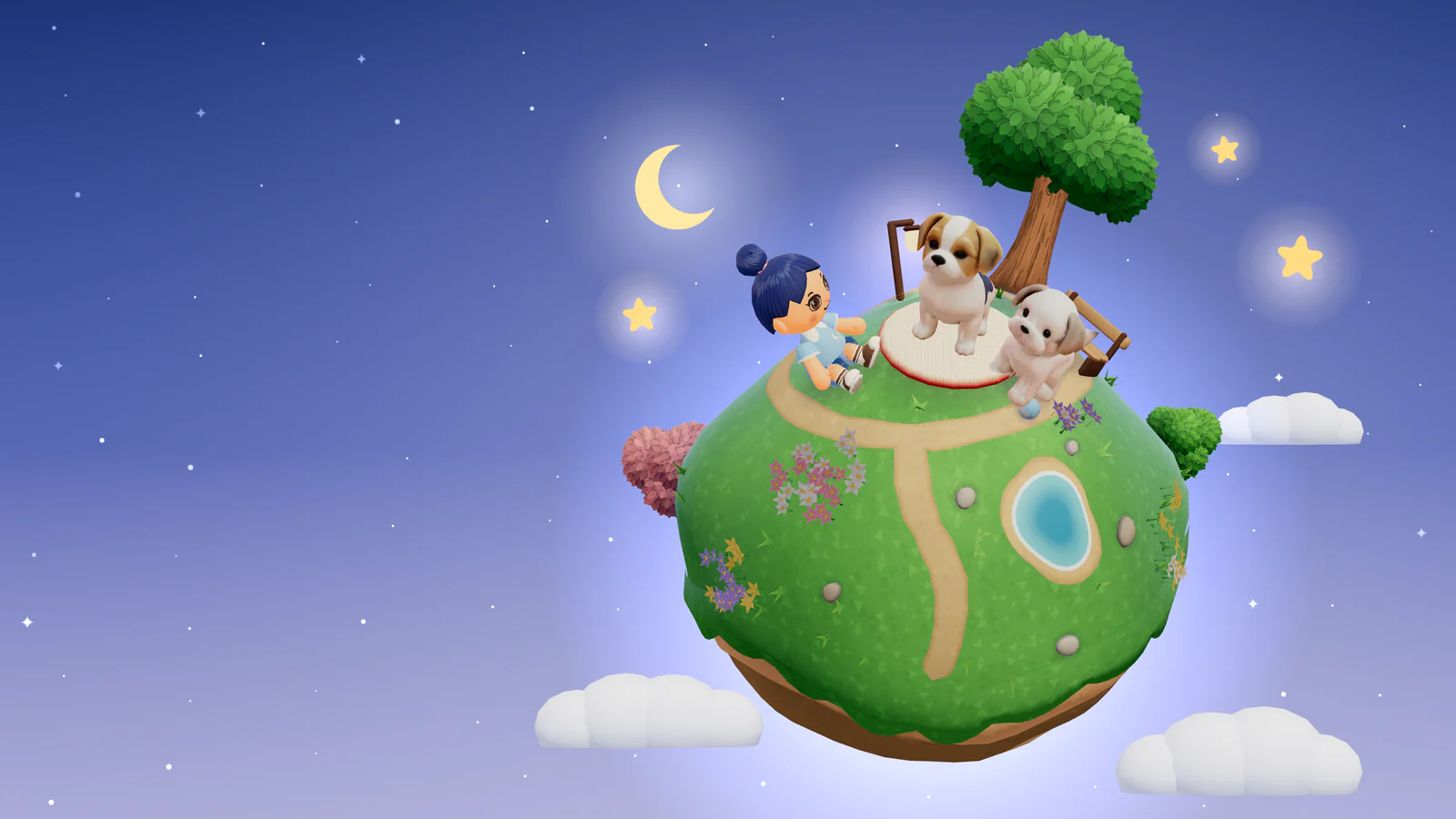
This is the star where Aji and Chacha live. Aji, the big brother, sits on the cushion, and little Chacha sits in the grass beside him.
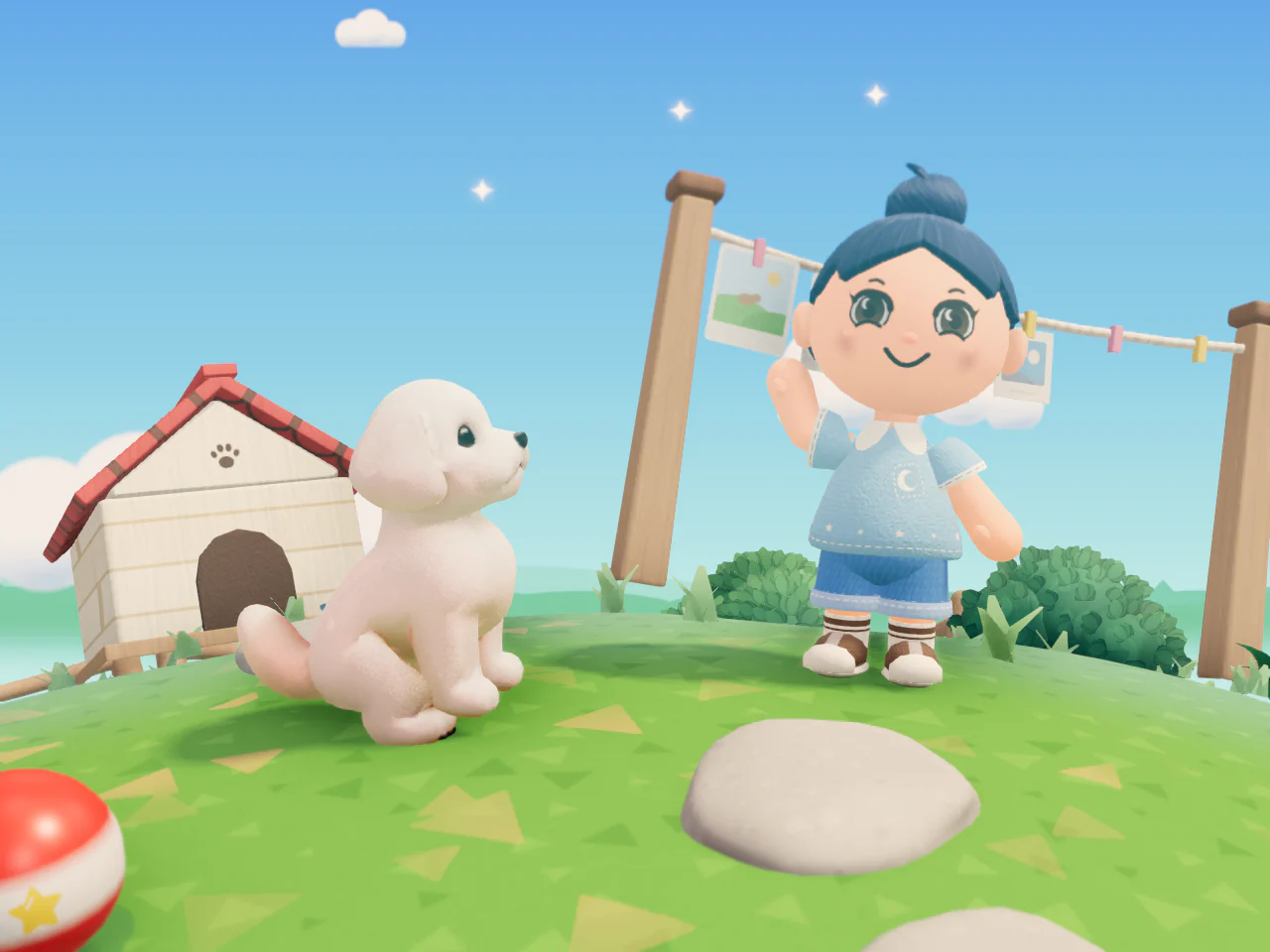
Your pet lifts their head at your hello.
Your Daily Hello
The Daily Hello is a hello you give your pet once a day. Press once and they lift their head. It’s fine to skip a few days. Nothing is counted.
When you step into the Star Garden, your pet notices you and comes over. Walk, and they follow. You can stroke them, or sit and rest together.
Your pet in 3D, made from one photo
Choose one photo of your pet, and the Planetling server uses it to make a 3D look. In the Star Garden, that look walks, sits, greets you, and falls asleep. Visitors see the same look. A look made from a photo is a one-time purchase for each Star Garden.
Choose one photo
After you open your Star Garden, choose one photo in Settings. Before anything is sent, we show you exactly what will be sent and ask for your OK.
A drawing first, then 3D
First a character drawing is made. If you keep the drawing, the same photo becomes a 3D look. 3D takes about 20 seconds.
Keep it if it feels right
Turn it around and look first. You can make it again, or choose not to keep it.
Your photo is used only while the look is being made, and it isn’t stored. Only the 3D look you keep is saved on our server, and deleting it in Settings deletes it there too. Because AI makes the look, it may not match your pet exactly.
Without a photo, you pick one of the ready-made looks for your pet’s kind and adjust its colors and markings. This basic look is always free.
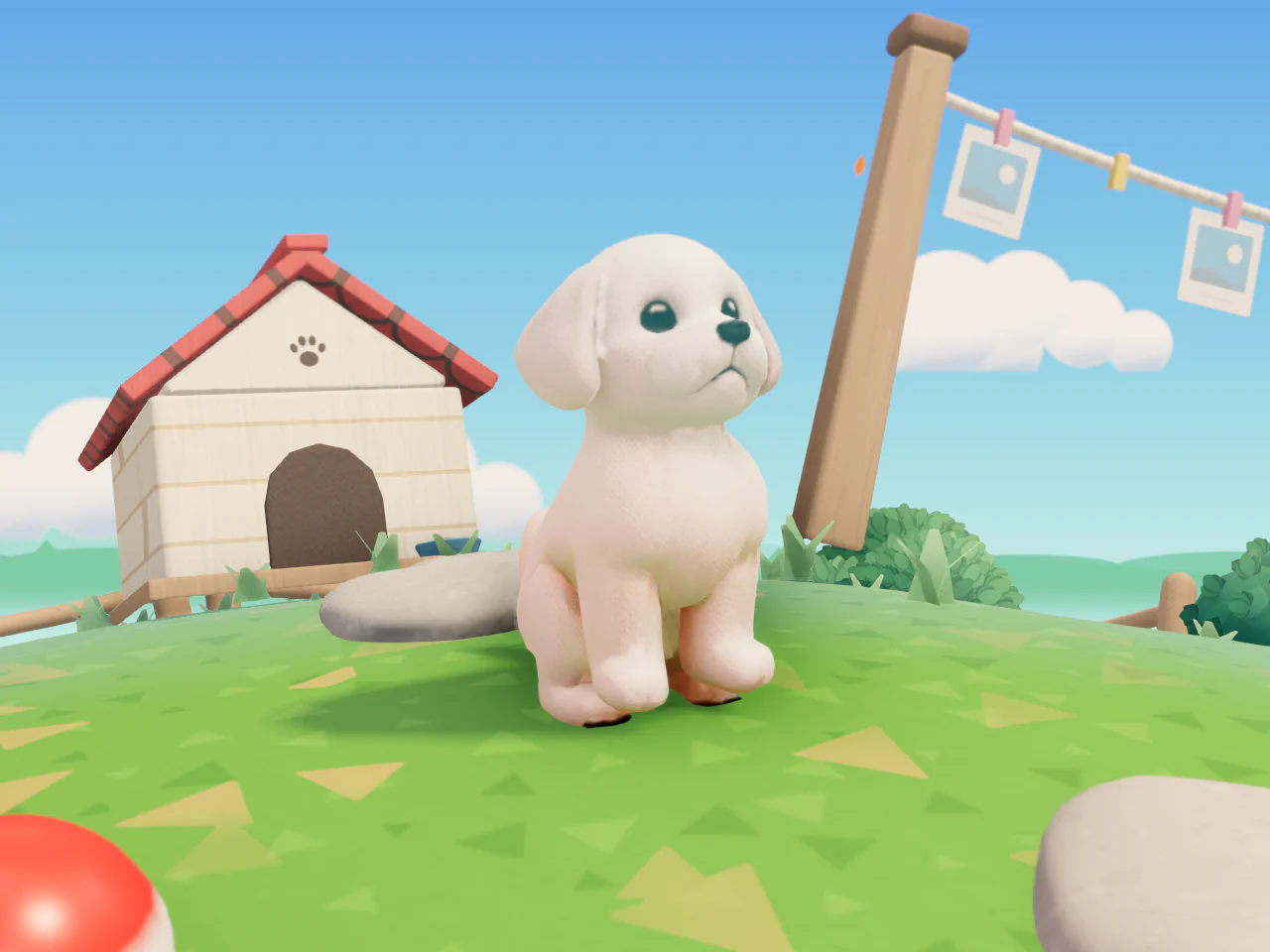
- Walking
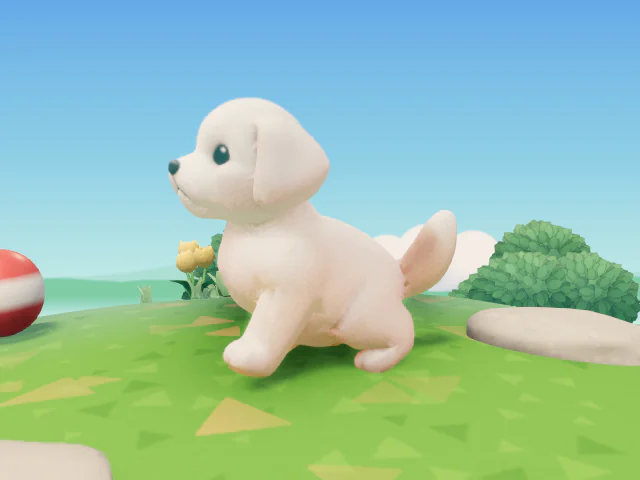
- Greeting
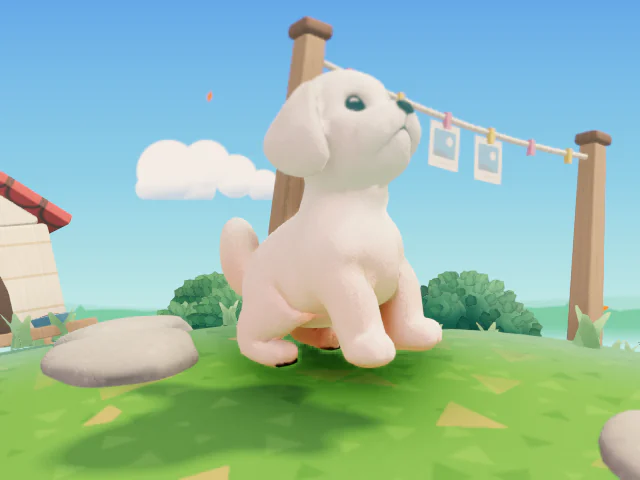
- Sleeping
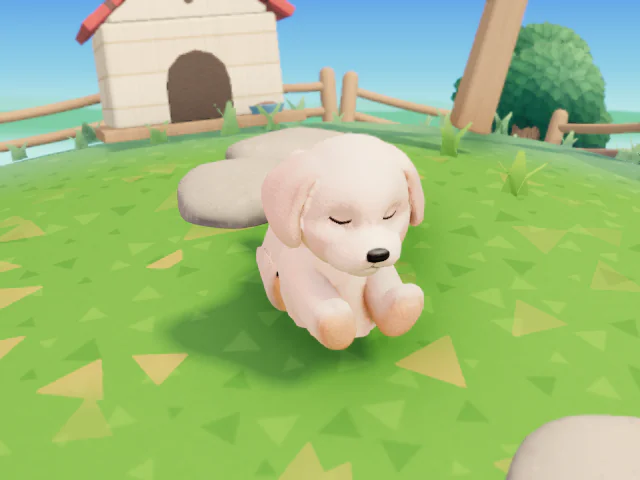
Example screen. The real look depends on the photo.
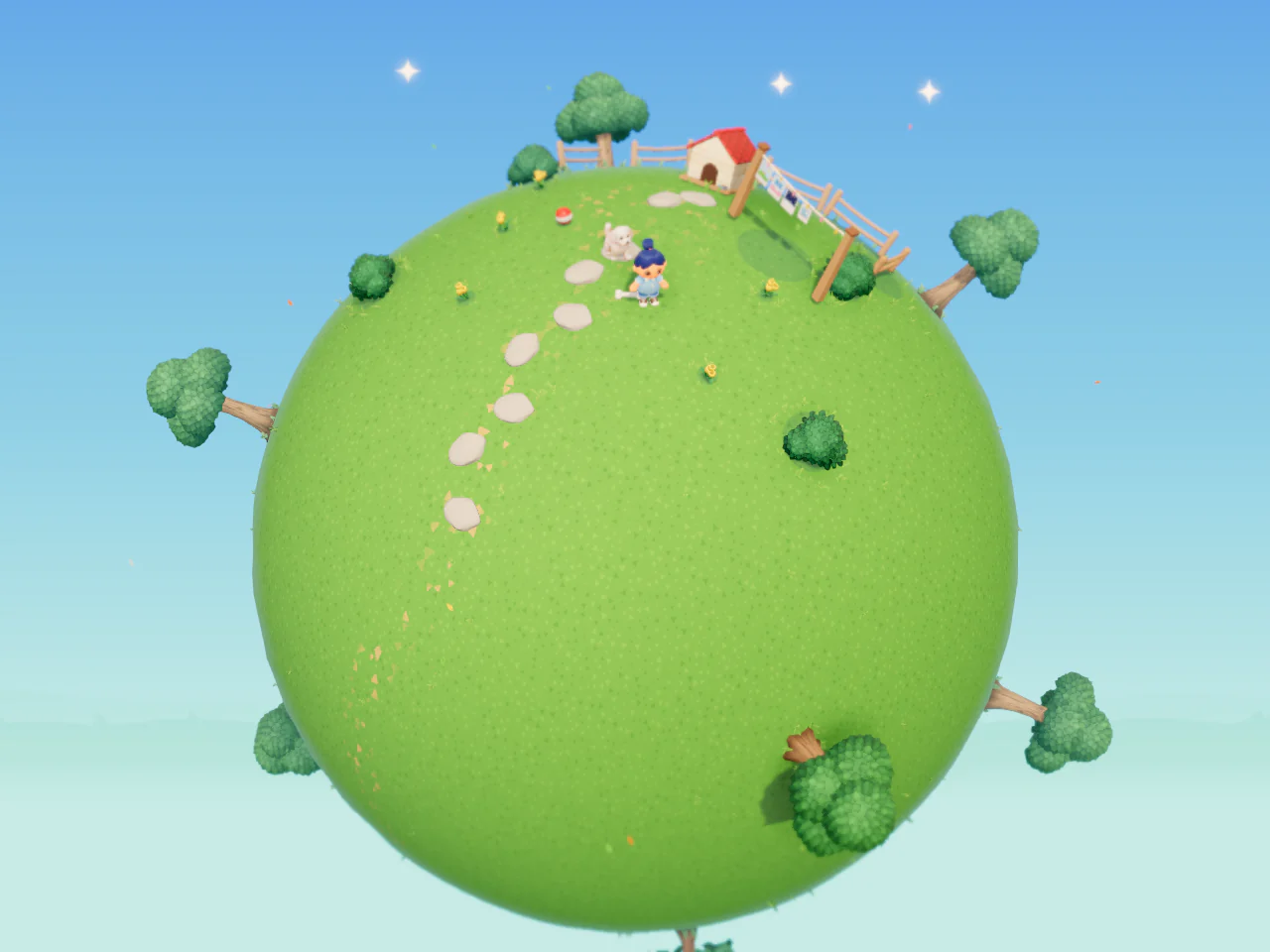
A whole little star is the garden
Your Star Garden is one little star. Drag to turn it, and walk all the way around to the far side. Step back to see the whole star.
Day and night
The sky follows your local time, from day to sunset to night.
Neighbor stars
Step back past the whole star, and other open Star Gardens float around it. Press one to visit.
Every kind of pet, in a landscape of their own
Dogs get the Walking-path park, cats the Sunny rooftop village, fish the Pond island. Each kind has its own landscape, and every pet gets the same garden and the same hello.
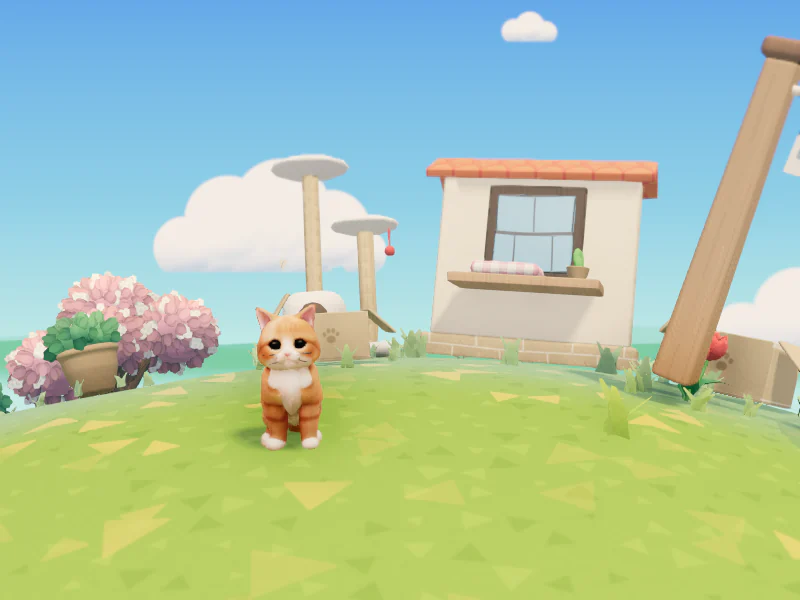
Cat: Sunny rooftop village 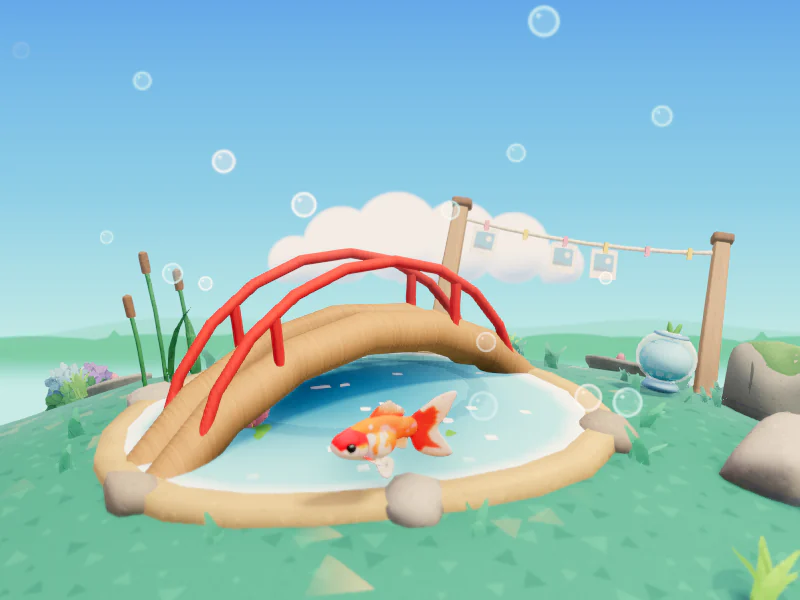
Fish: Pond island 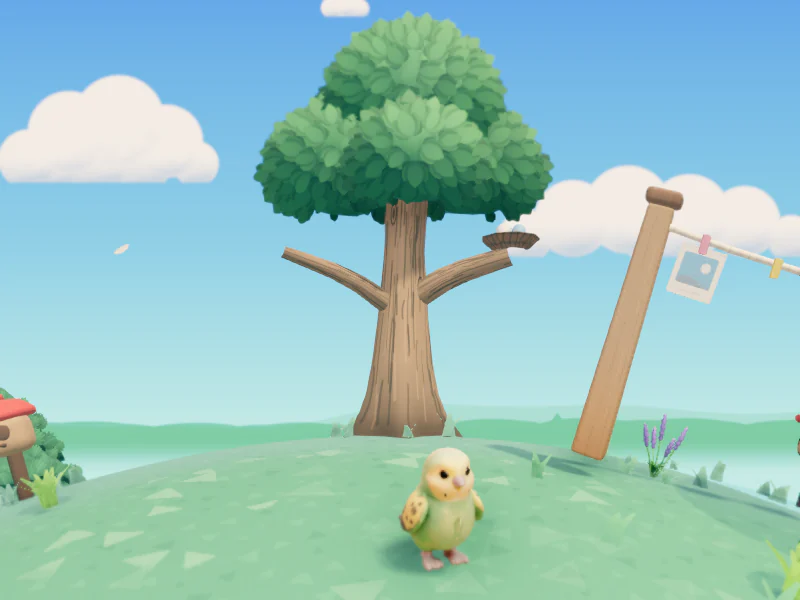
Bird: Sky garden
- DogWalking-path park
- CatSunny rooftop village
- RabbitClover hill
- HamsterSunflower seed field
- Guinea pigSunflower seed field
- BirdSky garden
- FishPond island
- TurtleSlow creek
- LizardWarm oasis
- SnakeQuiet moss forest
- AmphibianRainy wetland
- Another kindStarlit meadow
Things to do in the garden
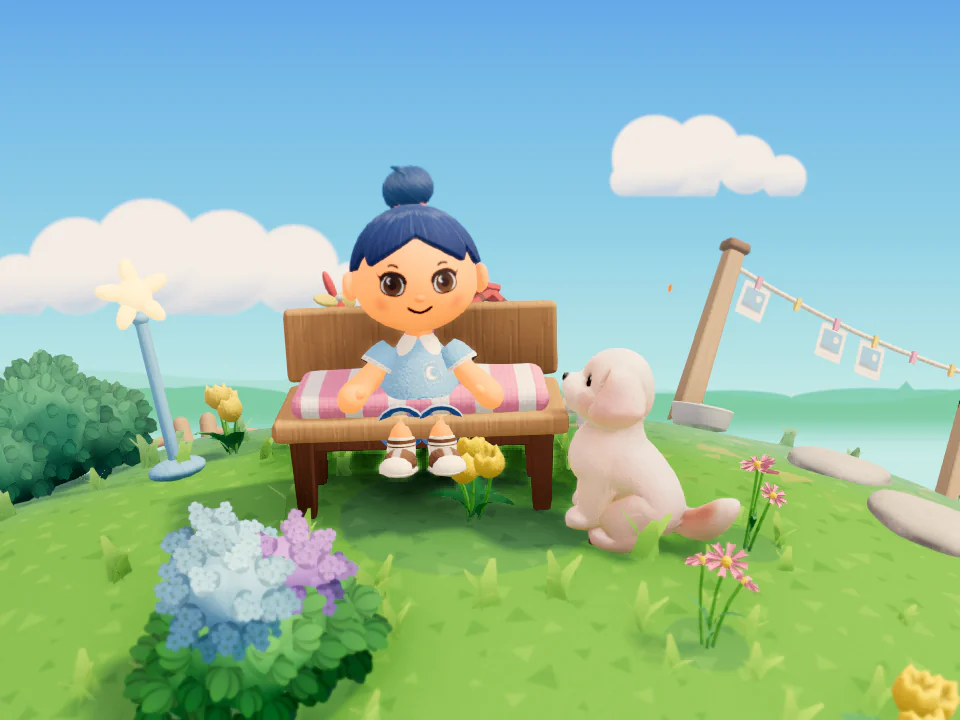
Keep their favorite things close
In Decorate, plant flowers and set out benches and lanterns. What you place never wilts and stays as it is, even if you don’t tend it.
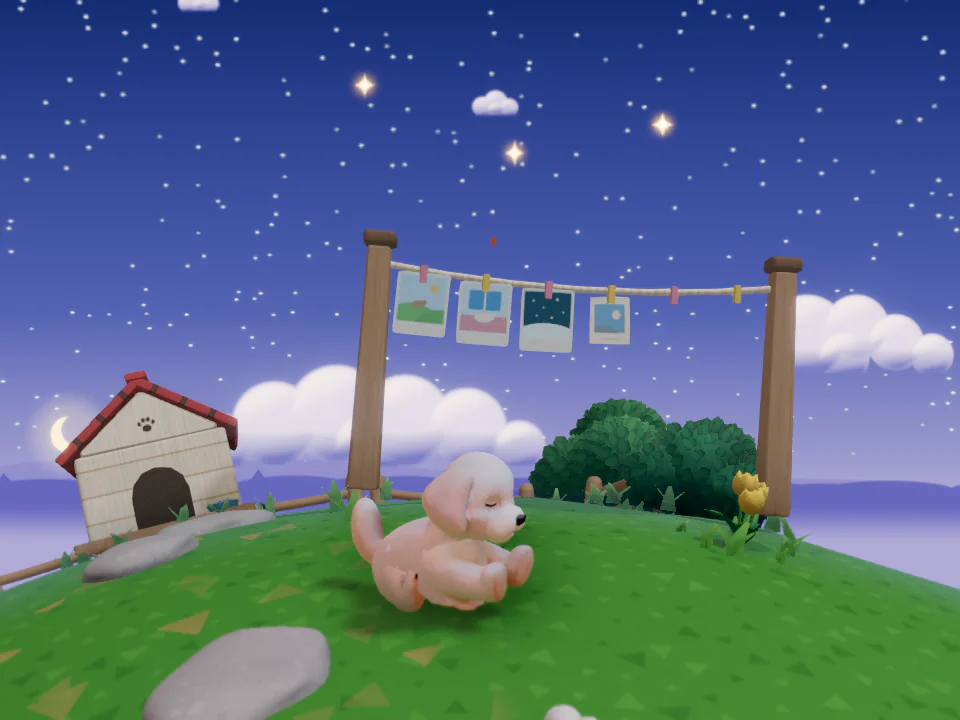
Photos on the clothesline, stars in the sky
Hang photos on the clothesline and look through them one by one. Each photo adds a star to the sky, and pressing a star opens its photo.
Anyone can stop by and remember with you
Anyone can stop by, look around, and leave a flower or light a lantern. Only the tokens you accept stay in your garden, and only the photos you choose are shown. Visitor numbers never appear anywhere.
Visit other Star Gardens
Letters, special days, petals, and you
- Letters go into the garden’s mailbox.
- Note their birthday and the day they left, and the garden will gently remind you when you visit on those days.
- Write a line on a petal and let it drift up into the sky.
- Choose how you look as you walk beside them: hair, eyes, and clothes, one at a time.
Three steps to begin
Write their name and kind
Enter your pet’s name and what kind of animal they are. Dates and photos can wait.
Choose a look
Pick one of the ready-made looks for your pet’s kind and adjust its colors and markings. Then choose a look for yourself to walk beside them. You can change both later.
Open the Star Garden
When the garden opens, say your first hello.
Money and ads
The garden, hellos, visits, photos, and letters stay free.
The only things for sale are the Lifetime Pass, packs (decor packs and look packs), and your pet’s look made from a photo. Each is a single payment you keep. They aren’t ready yet, so they can’t be bought right now.
There are no ads right now. If that changes, ads will appear only on the Korean front page and the browse page, never inside a garden.
See pricingFrequently asked questions
Is it really free?
Yes. Making a garden, hellos, visits, photos, letters, special days, and the ready-made basic look for each kind of pet stay free. The only things for sale are the Lifetime Pass, packs (decor packs and look packs), and your pet’s look made from a photo. They aren’t ready yet, so they can’t be bought right now.
Do I need to sign up?
No. You can start right away without an account. Sign-in is still being prepared. Until then, the continue link in Settings opens your garden on another device.
How is my pet’s look made?
At first, you pick one of the ready-made looks for your pet’s kind and adjust its colors and markings. This basic look is always free. Making a 3D look or a character drawing from one photo is a one-time purchase for each Star Garden, and you can do it in Settings after opening your Star Garden (with the Lifetime Pass, you don’t need to buy it separately). If you don’t like the result, you can make it again or delete it. Because AI makes the look, it may not match your pet exactly. Looks and drawings made before this became paid stay as they are.
What happens to the photo I send for the 3D look?
Only the one photo you choose is sent to the Planetling server, and it’s used only while the look is being made. The photo isn’t stored and isn’t used for training. Only the 3D look you keep is saved on the server so visitors can see it, and deleting it in Settings deletes it there too.
Can other people see my garden?
Yes. New gardens are open so anyone can stop by, look around, and leave a flower. While it’s open, your pet’s name and kind appear in the “Other Star Gardens” list. Tokens visitors leave stay only if you accept them, and only the photos you choose are shown. You can close it to everyone but you from the garden menu.
Where are my photos stored?
In this browser, on your device. Only photos you set to show to visitors are uploaded and shown to people who stop by. Before that, you can blur people’s faces. The one photo sent to make your pet’s look isn’t stored.
What if I change devices or clear my browser?
Get a continue link in Settings, and the same garden opens on another device. Photos that live only on this device don’t come along.
Are there ads?
Not right now. If that changes, ads will appear only on the Korean front page and the browse page, never inside a garden.
If I buy something once, can I keep using it?
Yes. The Lifetime Pass and decor packs are paid for once and kept. There’s no monthly fee. They aren’t ready yet, so they can’t be bought right now.
What happens if I delete my Star Garden?
Deleting it in Settings removes it from this device right away. Records uploaded to the server and any 3D look you kept are deleted after 7 days, and until then you can bring everything back with the continue link.
Would you like to set aside a place for them?
Just write their name and kind, then choose a look. Photos and dates can come later.
